
Bouncy Castle & Inflatable Hire Business Websites & Tools
Turn castle pictures, sizes and hire options into a clear customer journey. The Party Rental Network brings your inflatable listings, enquiries and diary together without creating another physical unit for each themed appearance.
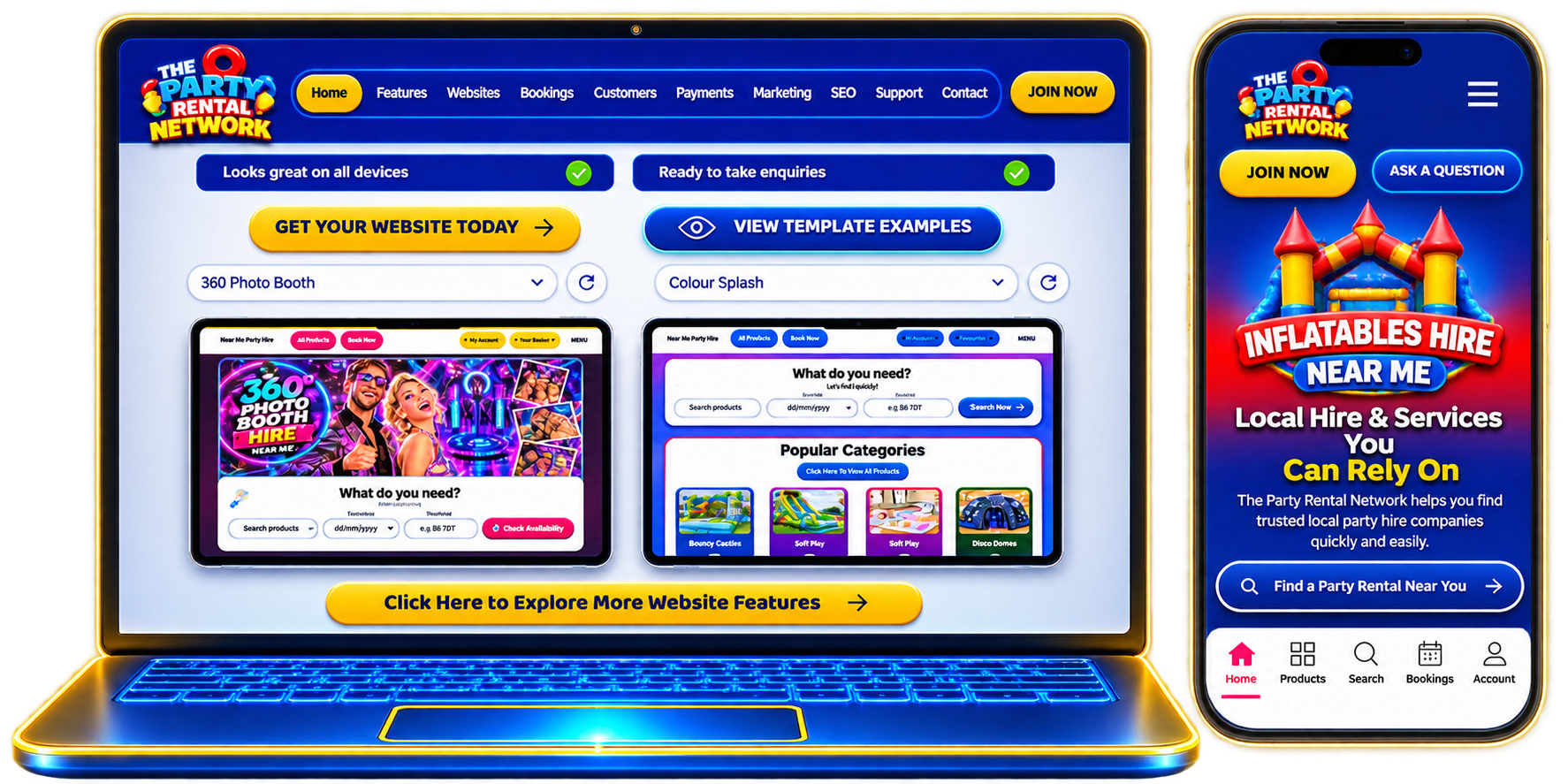
Website designs for Bouncy Castle & Inflatable Hire
SEE HOW THE PARTY RENTAL NETWORK FITS YOUR BUSINESS
A website built around bouncy castle & inflatable hire
Customers looking for bouncy castles, slides and inflatable games need clear information before they enquire. Present unit sizes, age guidance and setup requirements alongside accurate pictures and descriptions, rather than relying on a general party-hire page. Existing website designs use your saved products and categories, so the public catalogue stays connected to the equipment or services you actually offer. A relevant design supports presentation; it does not create extra stock, promise availability or replace your business information.
Booking enquiries for bouncy castles, slides and inflatable games
An enquiry is only useful when you know the requested date, location and items. Keep these details connected to the booking diary and customer record instead of separating the conversation from the job. For bouncy castle & inflatable hire, check access routes, surface suitability and collection times before confirming arrangements. The existing availability tools help you review commitments, while your team remains responsible for accurate service details and any event-specific requirements.
Keep bouncy castle & inflatable hire resources organised
Use the Stockroom as the source of item pictures, descriptions and physical quantities. This matters when managing the same physical inflatable with different artwork: changing a listing or its appearance must not create another physical unit. Organised categories help visitors compare relevant options and help your team locate the correct item. Keep supporting information attached to the right product, and share customer-facing documents only when their public use has been approved.
Relevant search pages, not unrelated traffic
Describe bouncy castles, slides and inflatable games using the approved catalogue terms that genuinely match your offer. Combine those terms with saved delivery coverage and accurate item information when preparing pages for review. Do not advertise towns you do not serve or use unrelated service names simply to fill a page. Clear categories, product information and relevant internal links give customers a useful next step. Search visibility and business growth are not guaranteed by a template or an internal SEO score.
Customer communication for each bouncy castle & inflatable hire job
Keep contact details, enquiry history and agreed arrangements together so your team can follow up without losing the context of a booking. Confirm access routes, surface suitability and collection times in the customer conversation, and keep changes connected to the existing job. Messaging integrations depend on authorised connections; marketing communication also requires appropriate consent. Payment tools remain subject to their configured provider and approval requirements, rather than becoming active just because a website is selected.
Plan the next stage of your bouncy castle & inflatable hire business
Review the way your team presents unit sizes, age guidance and setup requirements, handles enquiries and prepares each event before expanding the range. Saved equipment dimensions can support transport and van-loading planning where relevant. Shared learning and Yodo guidance can help you prepare information for review, without replacing your judgement or acting on bookings automatically. A demonstration lets you compare the website, Stockroom and customer workflow against your own operation before deciding which tools fit your business.
Booking and equipment decisions
A castle, slide or assault course needs an accurate equipment record. Maintain actual dimensions, supplied safety documents and delivery information in Stockroom. Themed appearances share the Main Unit availability rather than suggesting two customers can hire the same inflatable at once.
A website that represents your services
Use category pictures to separate castles, slides and party packages. Product pages can show the actual item and saved coverage, so visitors can compare what fits their occasion before checking dates. Review access and setup requirements before agreeing the booking.
Customer conversations and business opportunities
Bring delivery jobs into route planning and use confirmed packed dimensions for van loading. Explore Supplier Network opportunities where sharing is approved. Keep every offer tied to the equipment and dates you can actually fulfil.
Choosing the next step
Explore Website Features to compare the existing tools, then Book a Demo to discuss your business or Join Now through the existing registration page.
Connected tools for bouncy castle & inflatable hire
Automated Websites
Present your products and categories in an existing mobile-friendly design.
Online Booking Diary
Check dates and keep customer requests connected to your existing diary.
Stockroom Management
Maintain item pictures, descriptions and physical stock in one place.
Transport Management
Plan routes and van loads from saved items and confirmed dimensions.
Auto SEO
Build reviewable pages from approved service keywords and saved coverage.
Customer Messaging & Enquiries
Keep customer records and connected conversations alongside your work.
Accounting & Payments
Keep accounting records and use payment integrations where configured and approved.
YODO AI Assistant
Ask for guidance and review suggestions before changing your business information.